Descriptions matter for clarity, links, and context, but writing them repeatedly can be frustrating.
Many creators either rush this step or copy and paste old descriptions, leading to inconsistencies and missed opportunities during upload.
Descriptions matter for clarity, links, and context, but writing them repeatedly can be frustrating.
Many creators either rush this step or copy and paste old descriptions, leading to inconsistencies and missed opportunities during upload.

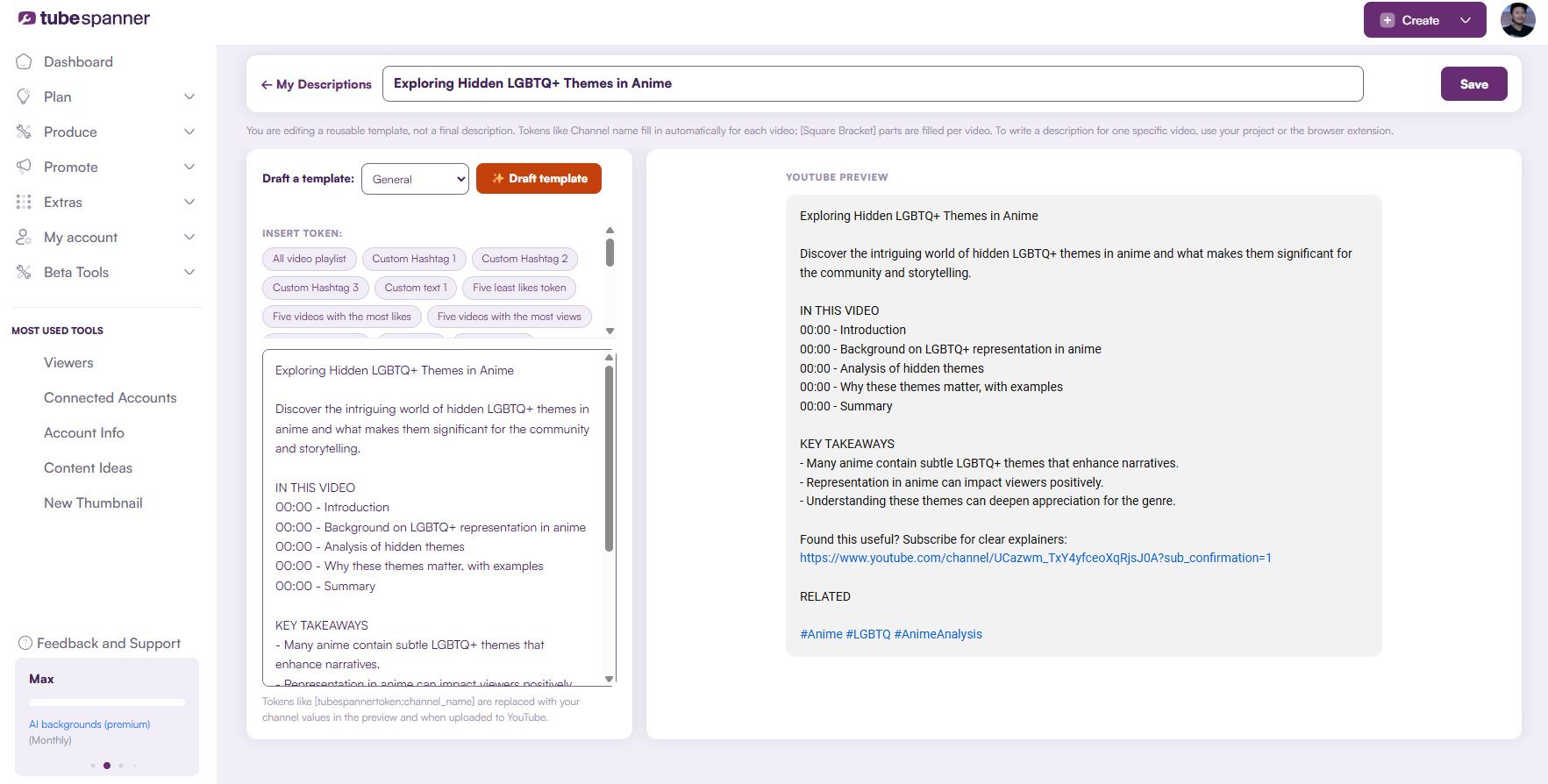
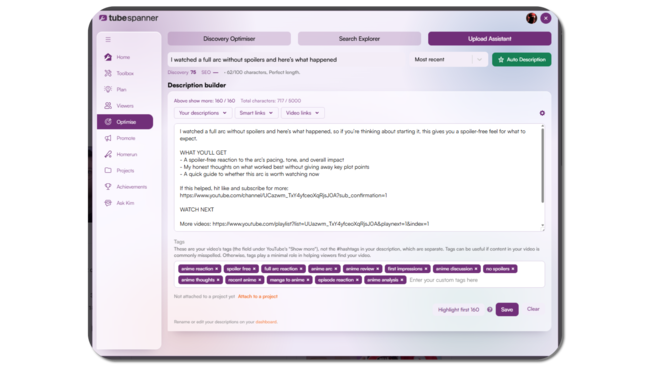
The Description Generator is a standalone tool designed to remove friction from the upload process.
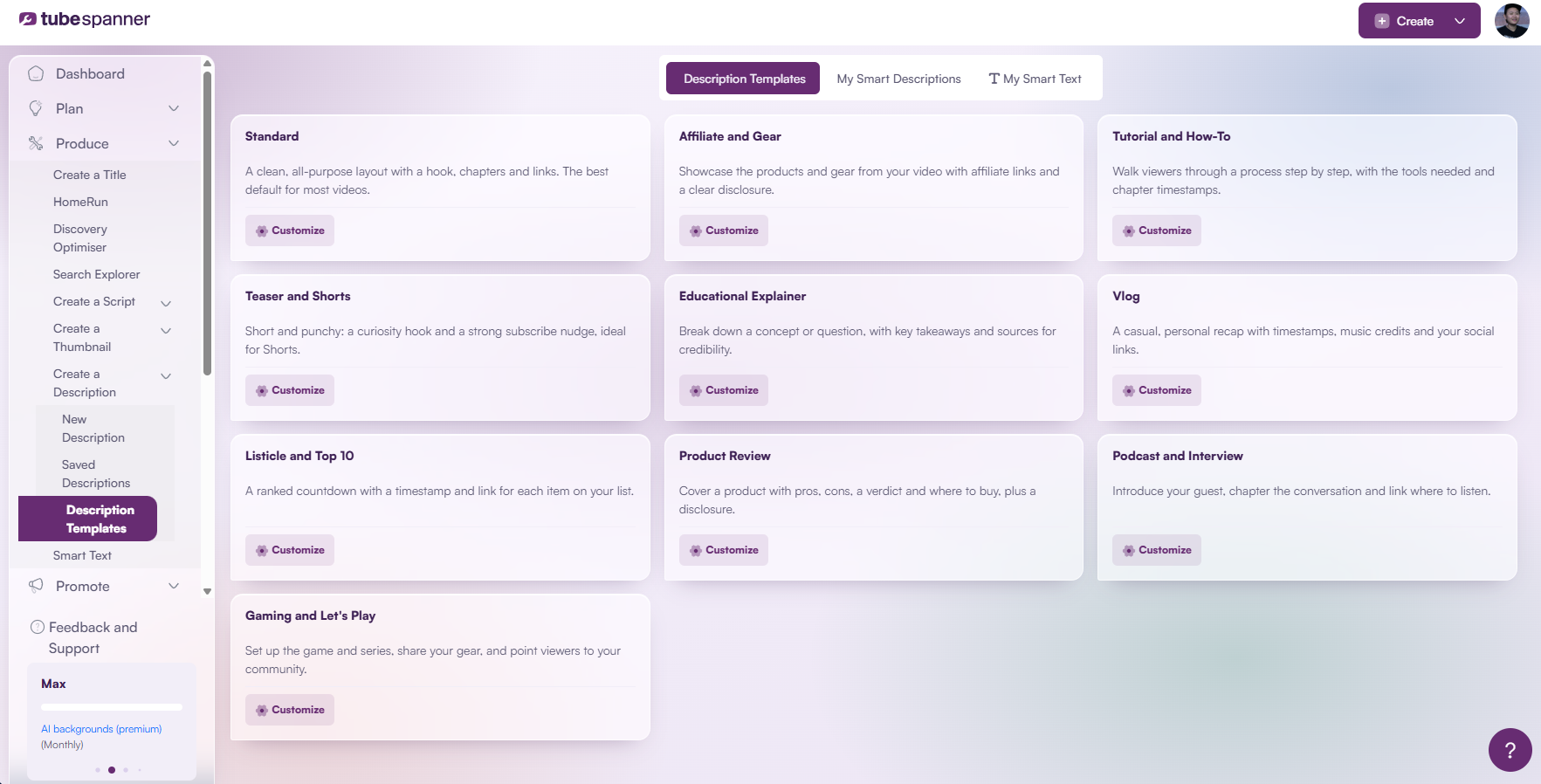
You can select from ready-made templates, clone and adapt them, or write your own descriptions from scratch. Each description is structured to be clear, readable, and easy to reuse.

Descriptions can be generated and reused in seconds, helping you stay focused during upload instead of rewriting the same content every time.
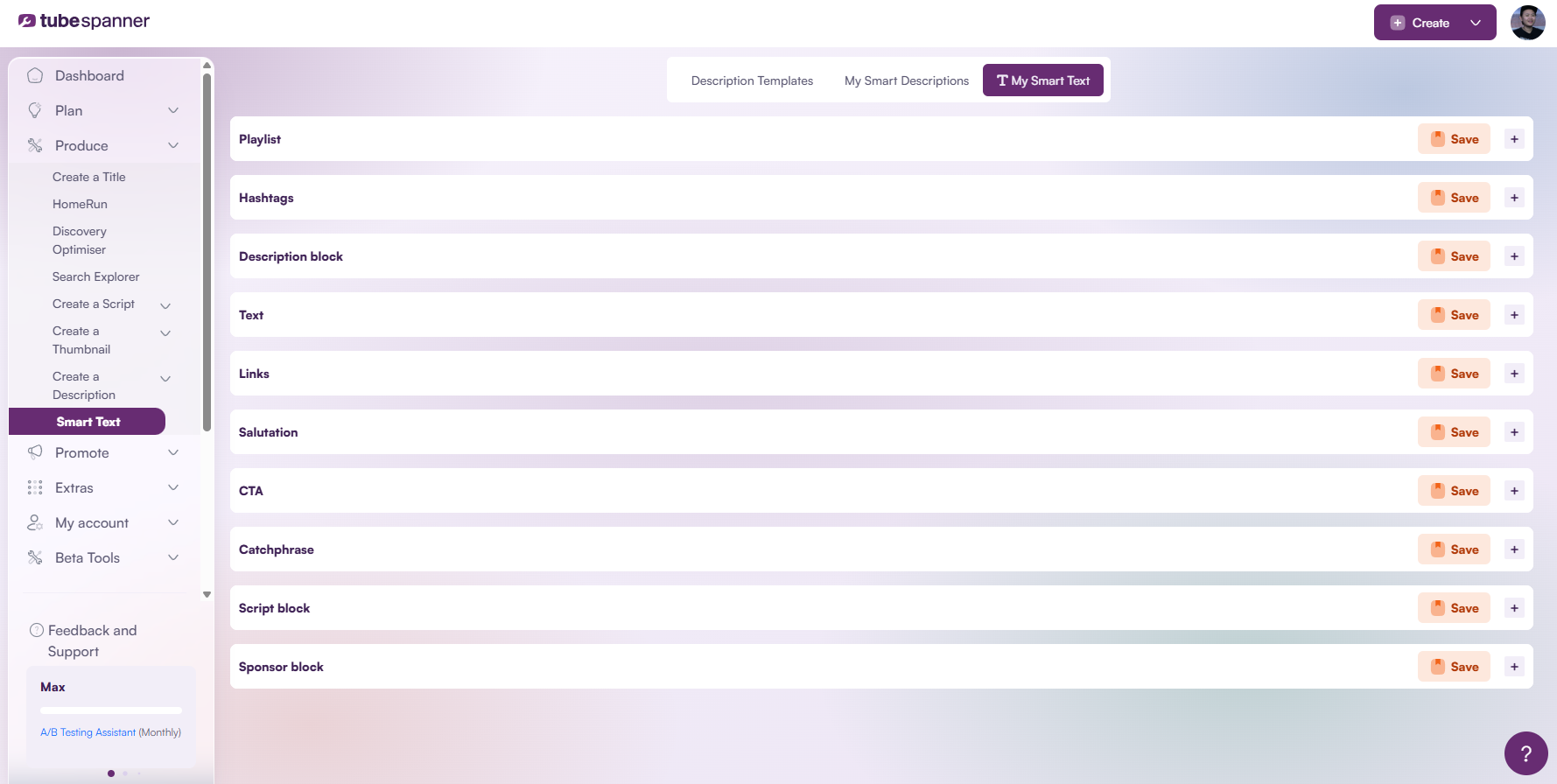
Like scripts, descriptions use Smart Text to make editing and refinement easy.
Smart Text allows sections of a description to be updated or adjusted without rewriting everything, which is especially useful when you publish regularly or manage multiple formats.

TubeSpanner provides starting templates, but you are not locked into them.
You can clone any template, customise it, and branch it for different scenarios such as tutorials, reviews, Shorts, or promotions. Over time, this builds a library of descriptions that match your channel and workflow.

| Before upload | During upload |
|---|---|
| Prepare descriptions in advance | Select a description instantly |
| Reuse consistent templates | Insert it directly into YouTube Studio |
| Reduce repetitive writing | Stay focused on publishing |
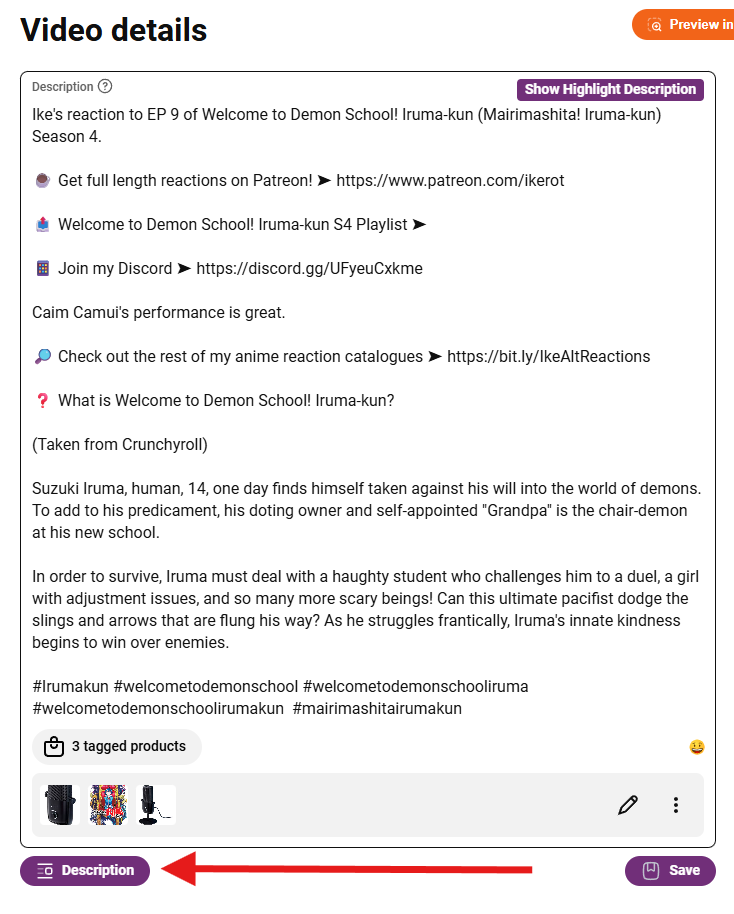
To use descriptions directly during upload or inside YouTube Studio, the TubeSpanner browser extension is required.
The extension allows you to quickly select and insert a saved description at the point of upload, removing the need to switch between tools or copy and paste manually.

Descriptions can include dynamic link tokens that decide which links to insert at the moment of upload.
These links can be selected based on relevance to the video content or managed through TubeSpanner’s Link Builder when links are intended for channel growth or sales.
When descriptions use Link Builder links, updates can be made later without editing every video individually. This is ideal for promotions, funnels, or changing priorities over time.
Creators who upload frequently
Channels that value consistency
Anyone tired of rewriting descriptions
Teams managing multiple videos
Create and reuse video descriptions that stay consistent and easy to manage as your channel grows.