Body
The Draw and Markup Tool allows you to draw directly over what you are showing on screen.
This makes it easier to explain ideas visually, call out specific areas, or guide viewers step by step during recordings or live streams.
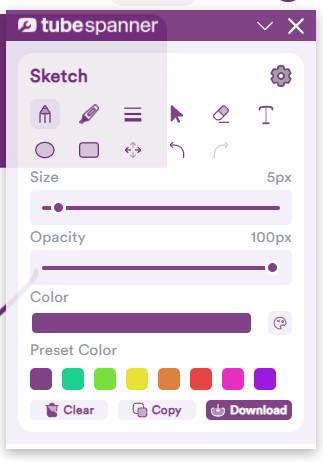

Some ideas are easier to explain when you can point to them.
The Draw and Markup Tool lets you sketch, underline, and annotate directly on screen during videos or live streams, helping viewers follow along and understand what matters.
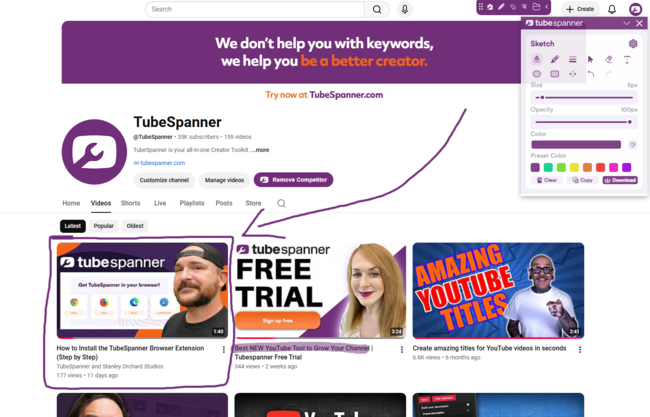
The Draw and Markup Tool allows you to draw directly over what you are showing on screen.
This makes it easier to explain ideas visually, call out specific areas, or guide viewers step by step during recordings or live streams.
Markup works especially well when explaining interfaces, reviewing content, or walking through processes.
By sketching or highlighting as you speak, you reduce confusion and help viewers stay focused on the right details.
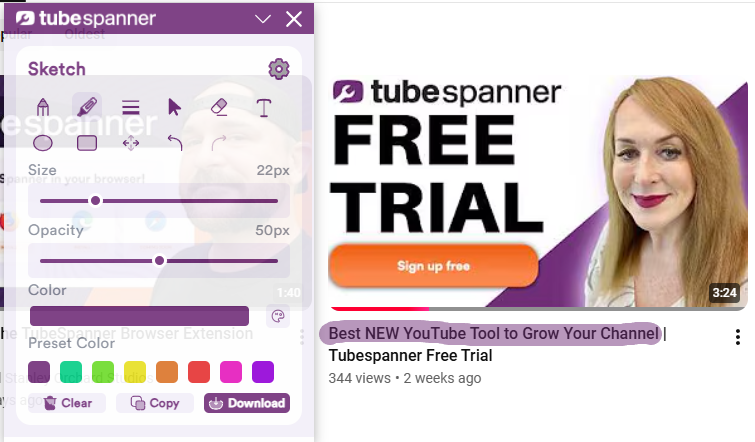

Drawings and annotations are visual overlays used during recording or streaming. They do not permanently change the underlying content.
Explain complex ideas visually
Highlight important details
Improve clarity during live streams
Keep viewers focused
Add visual guidance to your videos and live streams with simple on-screen markup.