Body
Video Notes opens in a sidebar inside the browser extension while you are watching a video.
As you type, each note automatically records a timestamp, so your thoughts stay linked to the exact moment in the video.

Good ideas often happen while you are watching, not once the video ends.
Video Notes lets you capture thoughts in real time while watching videos or live streams, automatically tying each note to the exact moment it occurred.
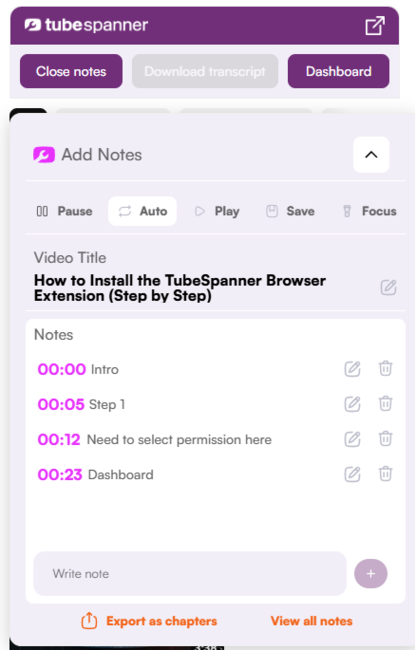
Video Notes opens in a sidebar inside the browser extension while you are watching a video.
As you type, each note automatically records a timestamp, so your thoughts stay linked to the exact moment in the video.
For standard videos, playback pauses by default while you write, giving you space to think without missing anything.
For live streams, pausing is disabled by default so you can take notes without disrupting the live experience.
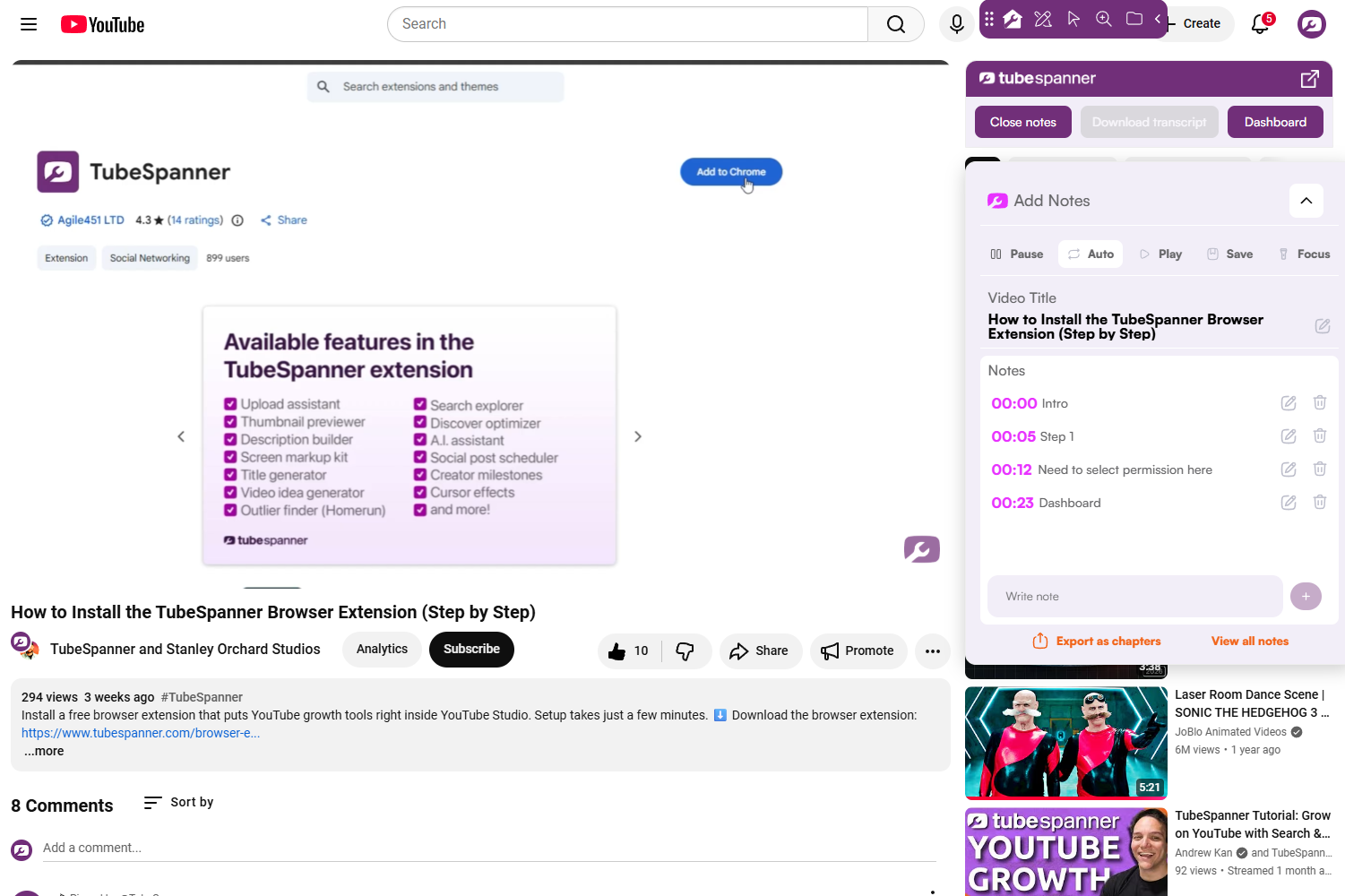

Video Notes adapts to the type of content you are watching, helping you stay focused without manual setup.
Notes are not just static text. Clicking a note takes you straight back to the moment it was written.
You can review notes later, revisit key points, and continue adding notes when rewatching a video.
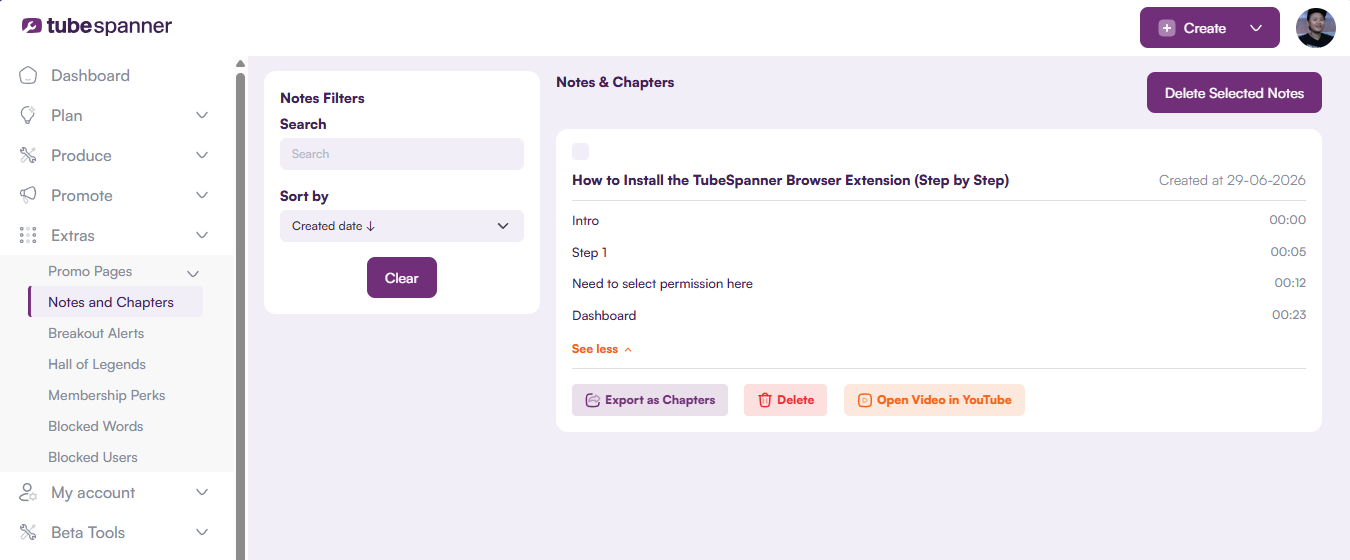
Video Notes can be reused beyond viewing.
Notes can be used to create timestamps for your own videos, helping you build chapters or structured descriptions without rewatching content from scratch.
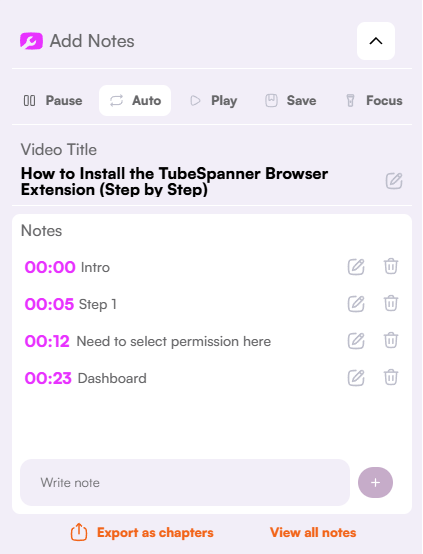
Capture ideas at the moment they happen
Avoid rewinding or rewatching videos
Navigate back to key moments instantly
Turn viewing into structured output
Capture ideas as they happen and return to the exact moments that matter.