Upload Assistant

Turn planning into a finished upload, effortlessly

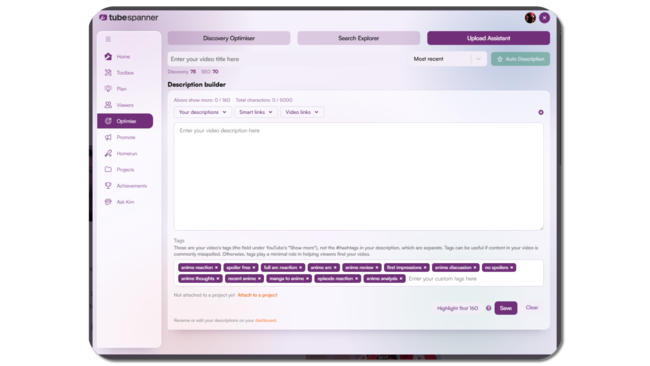
Most creators do the hard work before they upload. Titles are planned, descriptions are written, links are ready.

Upload Assistant brings all of that work directly into YouTube Studio, so you can apply it at the right moment without copying, pasting, or switching tabs.

TubeSpanner upload assistant

Heading
Built into the upload experience

Body

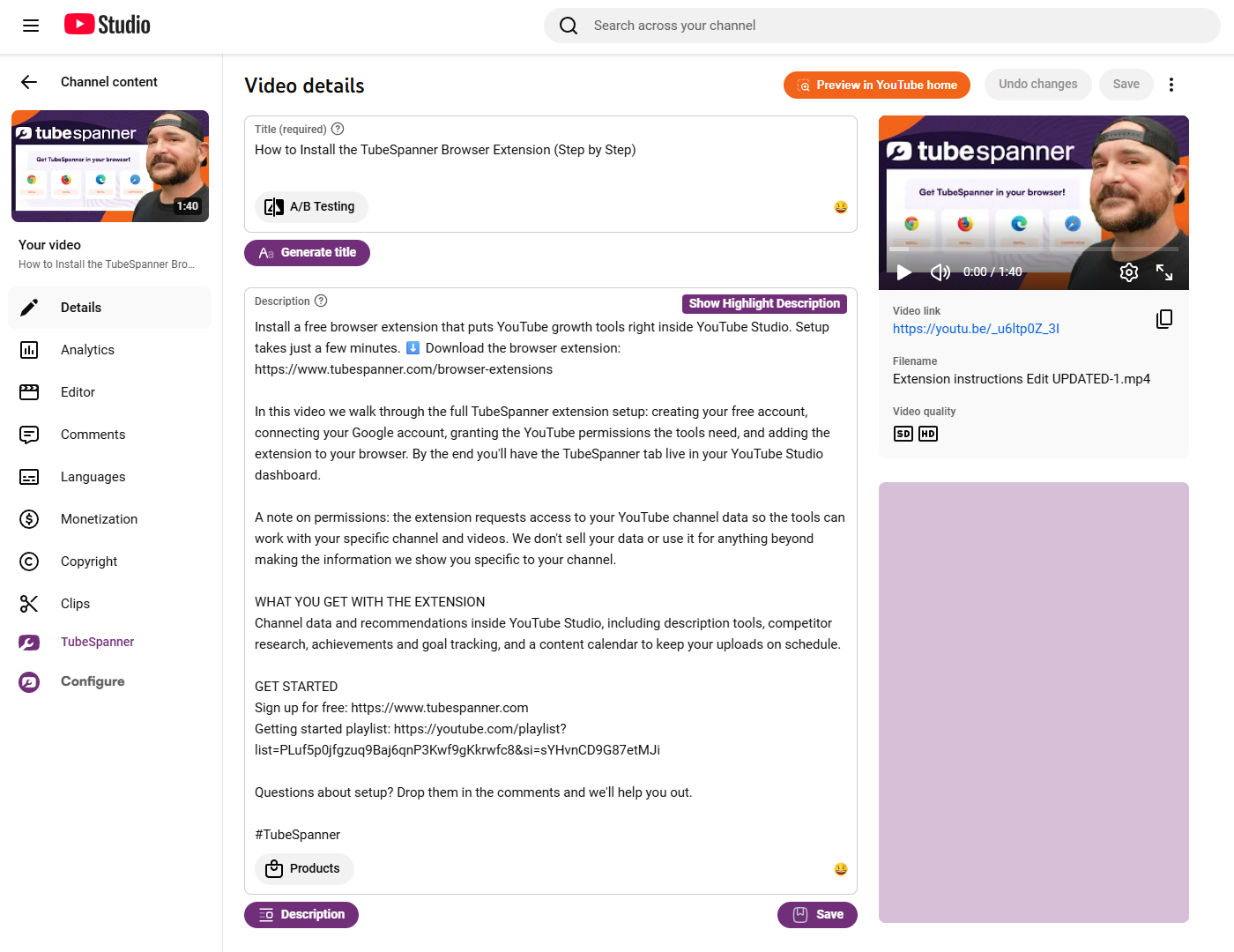
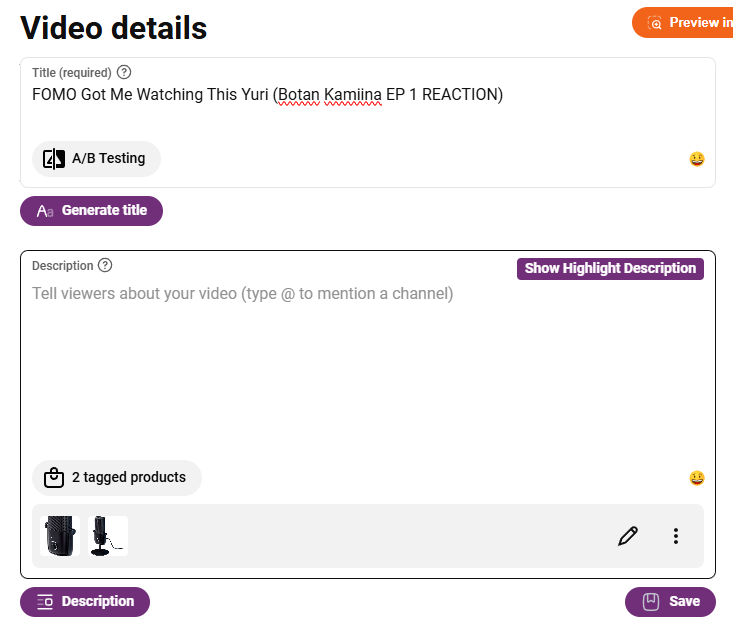
Upload Assistant appears directly during the YouTube upload process and within the YouTube Studio video edit page.

It fits naturally into the flow of publishing, helping you complete each step without leaving the page you are already working on.
TubeSpanner Upload Assistant

Heading
Apply everything, or just what you need

Body

Upload Assistant allows you to apply TubeSpanner outputs selectively.

You can insert a full setup at once, or choose to apply only specific parts such as a title, description, links, tags, or timestamps.

TubeSpanner upload assistant browser extension
Comparison table

Manual upload vs Upload Assistant

Manual upload Upload Assistant
Copy and paste between tools Apply prepared content instantly
Easy to miss steps Stay inside YouTube Studio
Context switching slows you down Fewer missed details
Repetitive work every upload Faster, more consistent uploads

Heading
Connects the rest of TubeSpanner

Body

Upload Assistant is designed to work with the tools you already used earlier in your workflow.

Titles, descriptions, timestamps, links, and other prepared content are ready when you need them, turning planning into a finished upload with minimal effort.

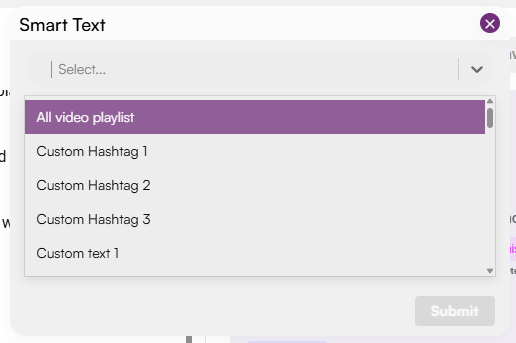
TubeSpanner Smart Text

Note

Image
Note

Title
You stay in control

Body

Upload Assistant does not publish anything automatically. You decide what to apply and when, keeping full control over your upload.

Heading
Saves time without cutting corners

Body

Experienced creators value Upload Assistant for speed and consistency.

Beginners benefit from seeing everything come together in one place, reducing the chance of missing important details during upload.

Heading
Why creators use Upload Assistant

Bullets Multi
  • Finish uploads faster

  • Avoid copy and paste

  • Keep uploads consistent

  • Reduce missed metadata

Title
Ready to simplify your uploads?
Body

Apply everything you have prepared without leaving YouTube Studio.