Body
The TubeSpanner browser extension currently supports Chrome, FireFox, and Edge. Safari support coming soon!
Click on the link below based on what browser you're using.
Chrome: https://chromewebstore.google.com/detail/tubespanner/bbnicfgabflhomlfeehgadmijdfiaaii
FireFox: https://addons.mozilla.org/en-GB/firefox/addon/tubespanner/
Edge: https://microsoftedge.microsoft.com/addons/detail/tubespanner/fpphccmmobdaokiocodbcngpiepcjfko
Note: If you're using a browser like Opera, Vivaldi, Brave, and the like... these are Chromium-based browsers, which means they use Chrome extensions.
Once you install the browser extension, head over to YouTube.com and you should see the purple TubeSpanner box on the top right corner.
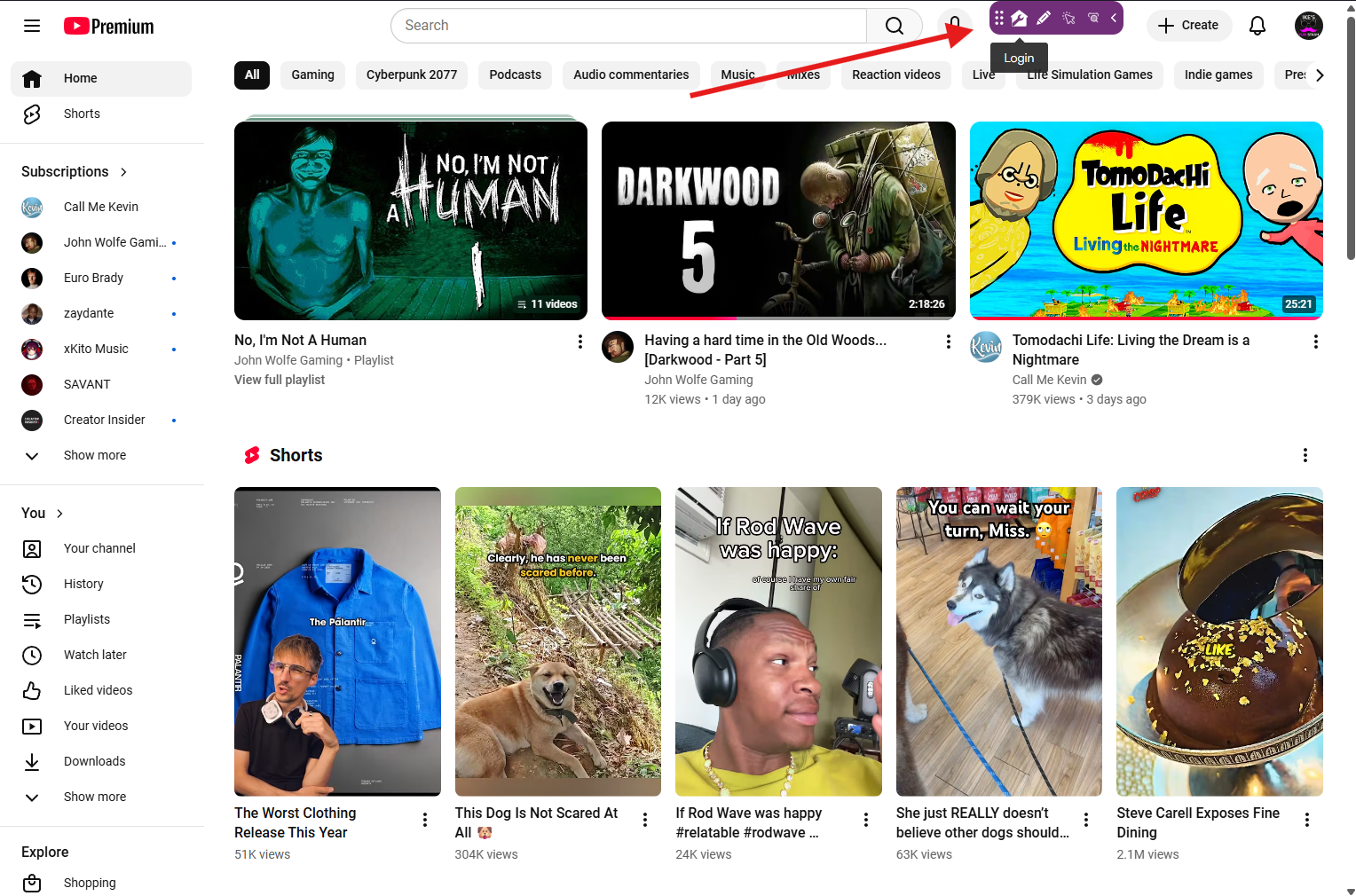
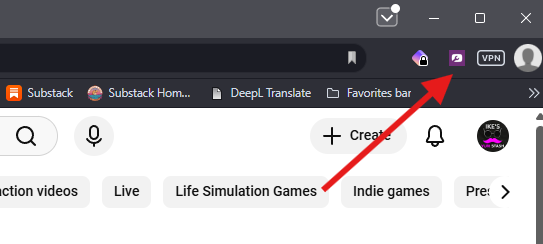
If you don't see it, click on the extension in your header and it should appear.
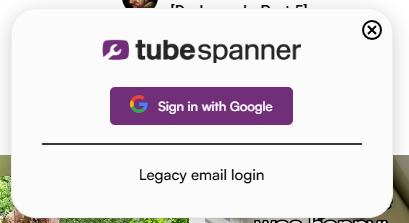
Click on the login button and you should see this pop-up. Sign in with your desired Google account.
You'll then be taken to a quick onboarding where you tell TubeSpanner what you want to do with your channel so that it can adjust to your needs.
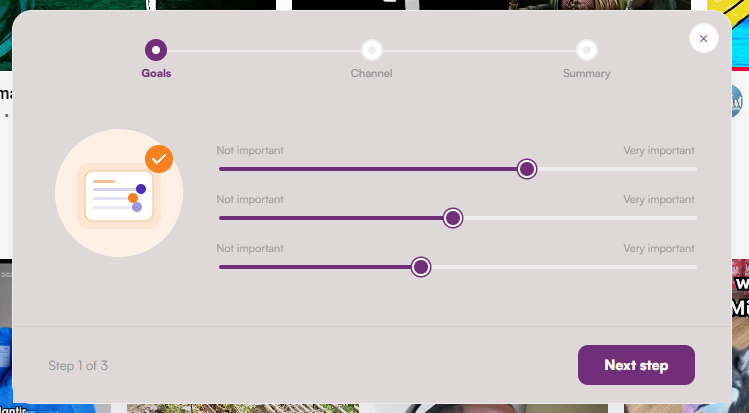
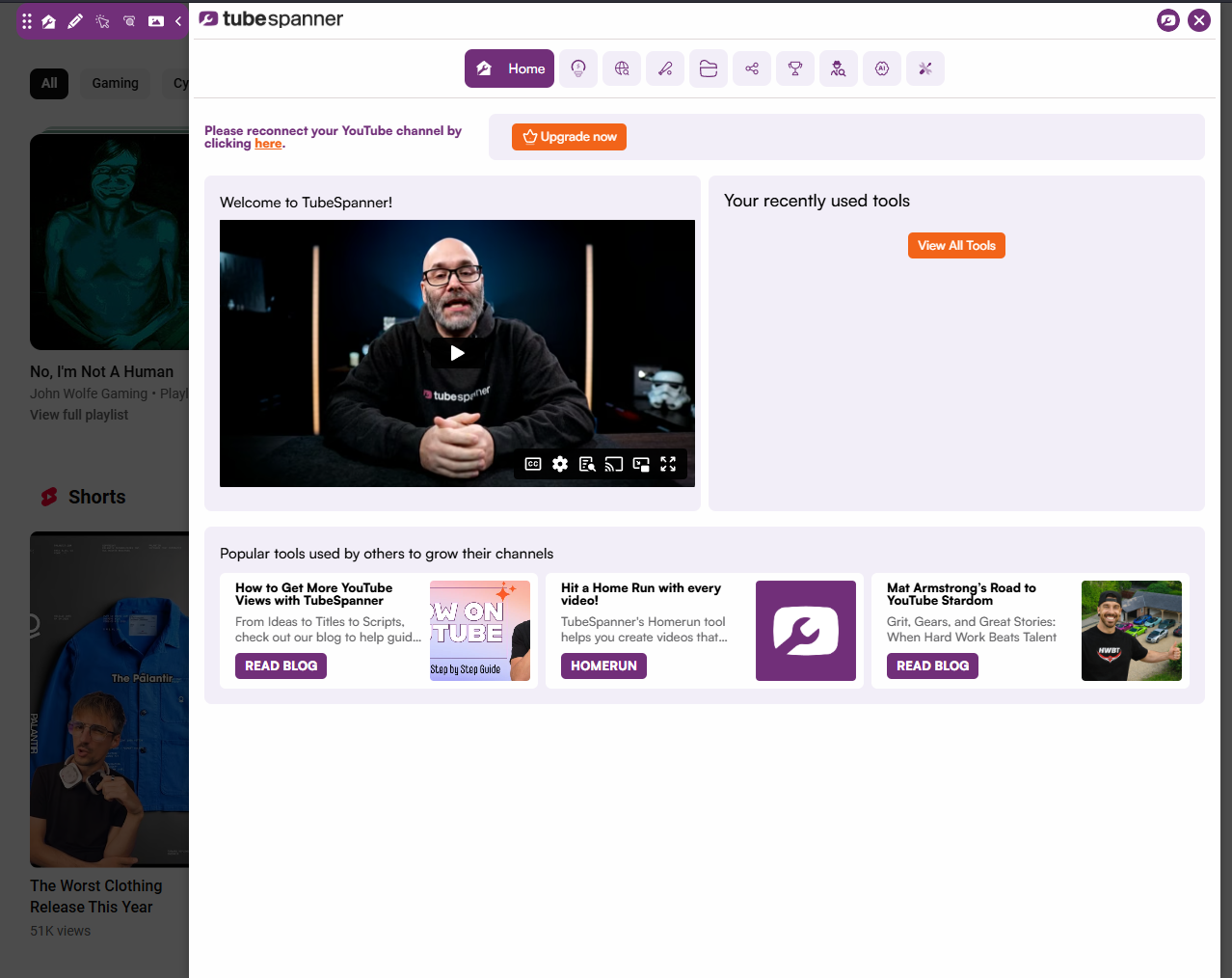
Once you're done, it's time to see your dashboard!

This is what your dashboard will look like as a new user. As you use more tools, you'll find all of your recent tools on the dashboard for easier clicking.
Congrats! You've successfully installed the TubeSpanner browser extension! Now it's time to give it a whirl and try out all the free tools it has to offer!