Content Creation Tips and Tricks
TubeSpanner vs vidIQ vs TubeBuddy: Which YouTube Tool Fits Your Workflow?
A comparison of three YouTube creator tools and how each one connects planning, optimization, and publishing into a single process.
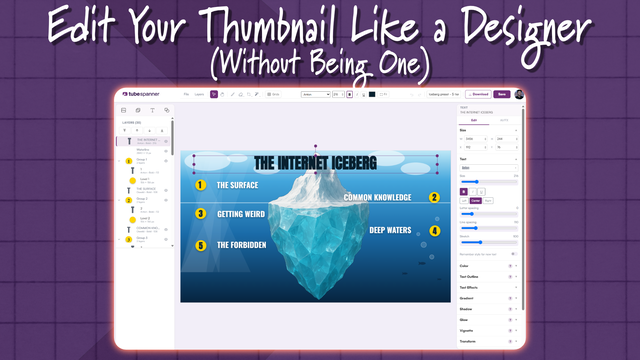
Design a Click-Worthy YouTube Thumbnail in 10 Minutes (No Design Skills)
A practical walkthrough for designing and testing YouTube thumbnails that stand out in search and browse. No design background required.
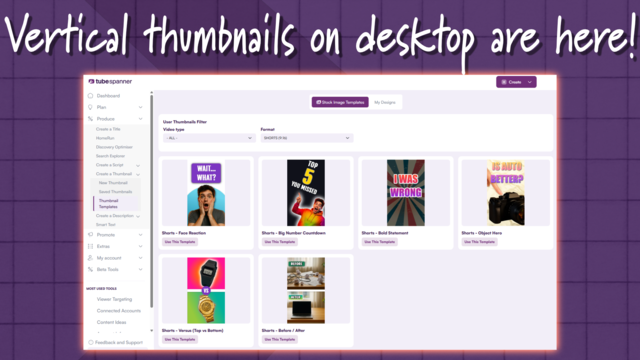
YouTube Shorts Custom Thumbnails Are Rolling Out to Desktop.
YouTube is rolling out custom thumbnails for Shorts, viewable in Studio on desktop, after removing the option when Shorts first launched.
Beginner's Guide to Starting a Channel
What actually needs deciding before you publish your first video (niche, identity, channel setup) and a realistic plan for staying consistent.
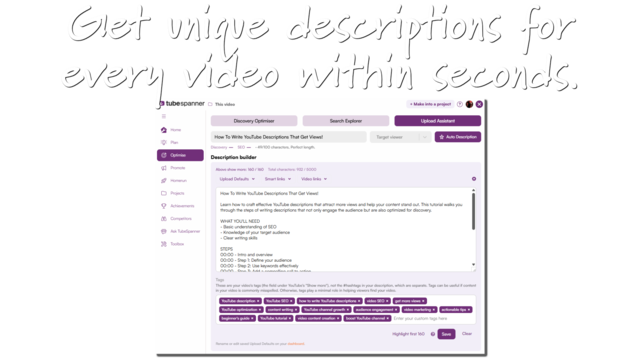
How To Write YouTube Descriptions That Get Views!
A look at how YouTube descriptions function as both viewer-facing copy and algorithm signal, and how a workflow tool can generate one from the research you've already done.
Grow on YouTube in 3 EASY Steps With TubeSpanner's POP Flow
A breakdown of TubeSpanner's POP (Plan, Optimize, Promote) Flow, covering how video ideas get generated, scored, and turned into a ready-to-upload package, plus the thinking behind each step.
Why Your Subscribers Aren't Your YouTube Audience
Most YouTube watch time comes from non-subscribers, not fans. Here's how that changes packaging and algorithm strategy.
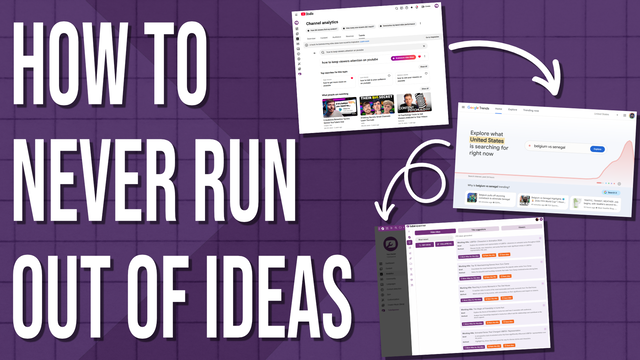
How to Never Run Out of YouTube Video Ideas
Running out of video ideas is a systems problem, not a creativity problem. Here's how audience and trend data solve it.
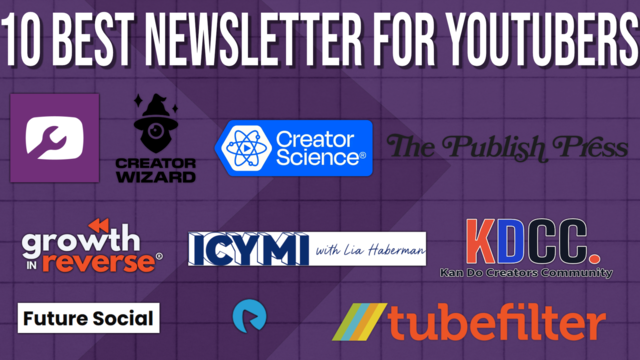
The 10 Best Newsletters for YouTube and the Creator Economy
The newsletters and tools YouTube creators use to keep up with channel growth, SEO, sponsorships, and creator-economy news.

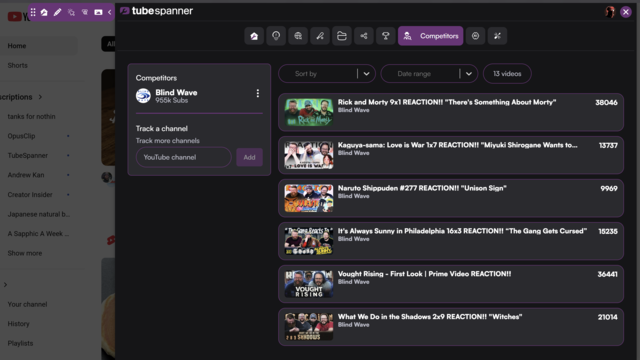
How to Track Your Competitors on YouTube (Without Losing Your Mind)
Learn how to track other YouTube channels, compare performance, and turn outside data into strategy for your own growth.
How to Use AI in Your Content Workflow Without Losing Your Voice
AI can lighten the load for stretched YouTube creators, but only if you use it as a collaborator, not a ghostwriter. Here's how to stay human.